
The Best Memory Card for Nintendo Switch 2? Why SanDisk 256GB microSD Express Is Your Secret Upgrade
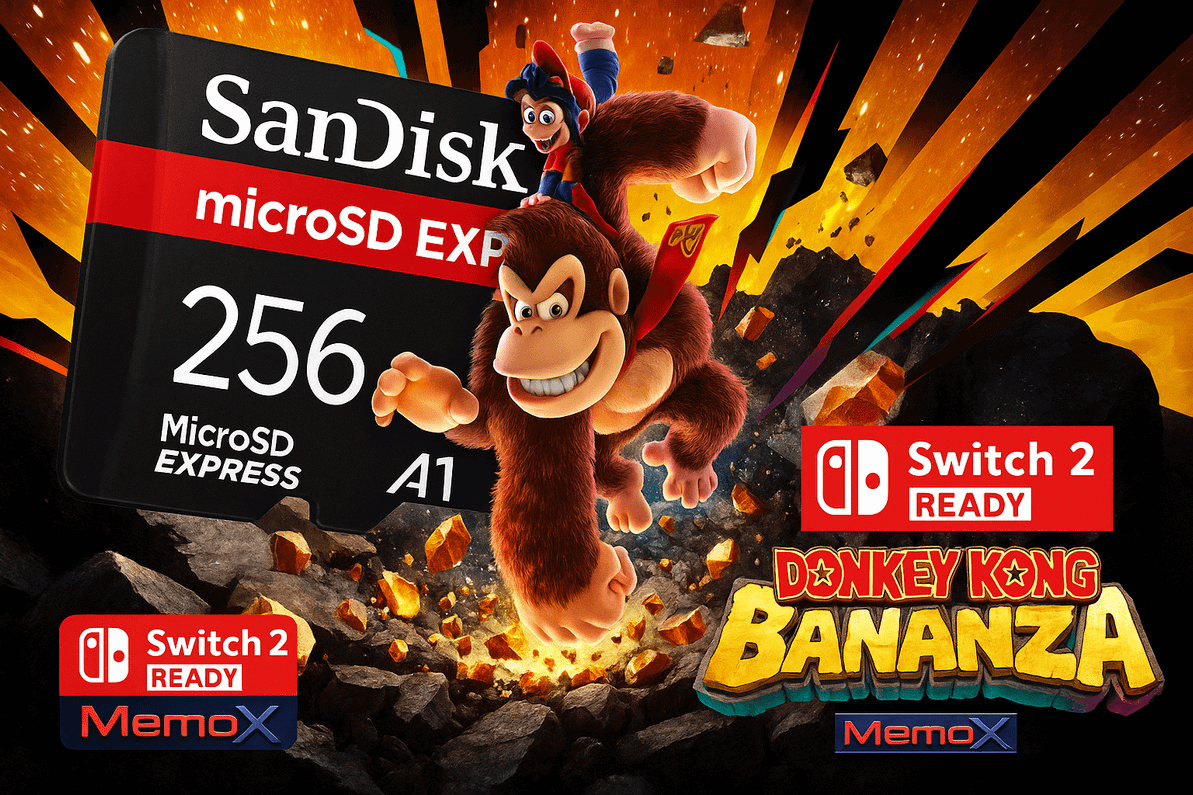
Table of Contents
- Why Your Switch 2 Deserves a Serious Storage Upgrade (and Why SanDisk)
- A Little Story: The Weekend Challenger
- What Exactly Is a “microSD Express” Card? (And Why It’s Great for Switch 2)
- How to Install & Set Up Your SanDisk Card (Step-by-Step)
- How Many Games Fit on 256GB?
- The Gamer’s Quick-Start List: Best Practices for Your New Card
- Troubleshooting: If Something Doesn’t Feel Right
- Where to Buy in the UK (With Real Support)
- Who Is This Memory Card For?
- What Makes SanDisk Shine? (Beyond the Logo)
- How to Keep Your Library Organised (So You Always Know What’s Where)
- The “Why” in One Sentence
- Ready to Play More, Wait Less?
- FAQs
Imagine this: you unbox your Nintendo Switch 2, slide in a shiny SanDisk 256GB microSD Express card, and—boom—your library expands, load screens shrink, and you’re back in the action before your tea goes cold. No juggling downloads. No deleting your favourites to make space for the next big release. Just pure, next-gen play.
That’s the promise of a great memory card for Nintendo Switch 2—and it’s exactly what SanDisk’s Switch-ready microSD Express delivers. In this guide, we’ll break down what it is, why it matters, how to install it right the first time, and where to get it in the UK (hint: from Memox, with fast delivery and friendly support).
Quick link if you’re ready now:
Why Your Switch 2 Deserves a Serious Storage Upgrade (and Why SanDisk)
The Nintendo Switch 2 isn’t just about flashy trailers—it’s about real-world play that feels snappier, cleaner, and more seamless. A memory card for Nintendo Switch 2 is the difference between “I’ll play later” and “just one more level.”
Why SanDisk?
-
Trusted flash brand: SanDisk has long been a go-to for creators and gamers because of reliability and consistent performance.
-
Switch 2 ready: This model is designed with Nintendo’s next-gen experience in mind, so you’re buying storage that matches your console’s ambitions.
-
Room to breathe: 256GB is a sweet spot for most players—big enough for a growing library, saves, DLC, and screenshots without micromanaging space.
-
Set-and-forget durability: Designed for portable life—commutes, bags, backpacks—and the inevitable drops and bumps.
The real benefit? Confidence. You don’t want to think about where to put your next game; you want to press “Download” and go.
A Little Story: The Weekend Challenger
On Friday night, Sam had 11GB free on his Switch 2 and three friends coming over for co-op on Saturday. Panic. He’d been archiving and redownloading for months. On a whim, he grabbed the SanDisk 256GB microSD Express from Memox. Saturday morning, two minutes later, he’d slotted it in, moved his library, and still had room to spare. No more “Sorry, I need to delete something.” Just smooth co-op, quick swaps, and a huge queue of indies to try.
Question for you: When your friends come over, what’s the one game you always wish was already installed?
What Exactly Is a “microSD Express” Card? (And Why It’s Great for Switch 2)
microSD Express is an advanced standard designed to push beyond older microSD performance ceilings. While Nintendo hasn’t turned storage tech into a marketing headline, the practical win is simple: a modern, high-quality card reduces friction—faster installs, snappier loading in supported scenarios, and smoother day-to-day switching between games.
For you, it means:
-
Less waiting around in menus.
-
More time actually playing.
-
Fewer compromises on what to keep installed.
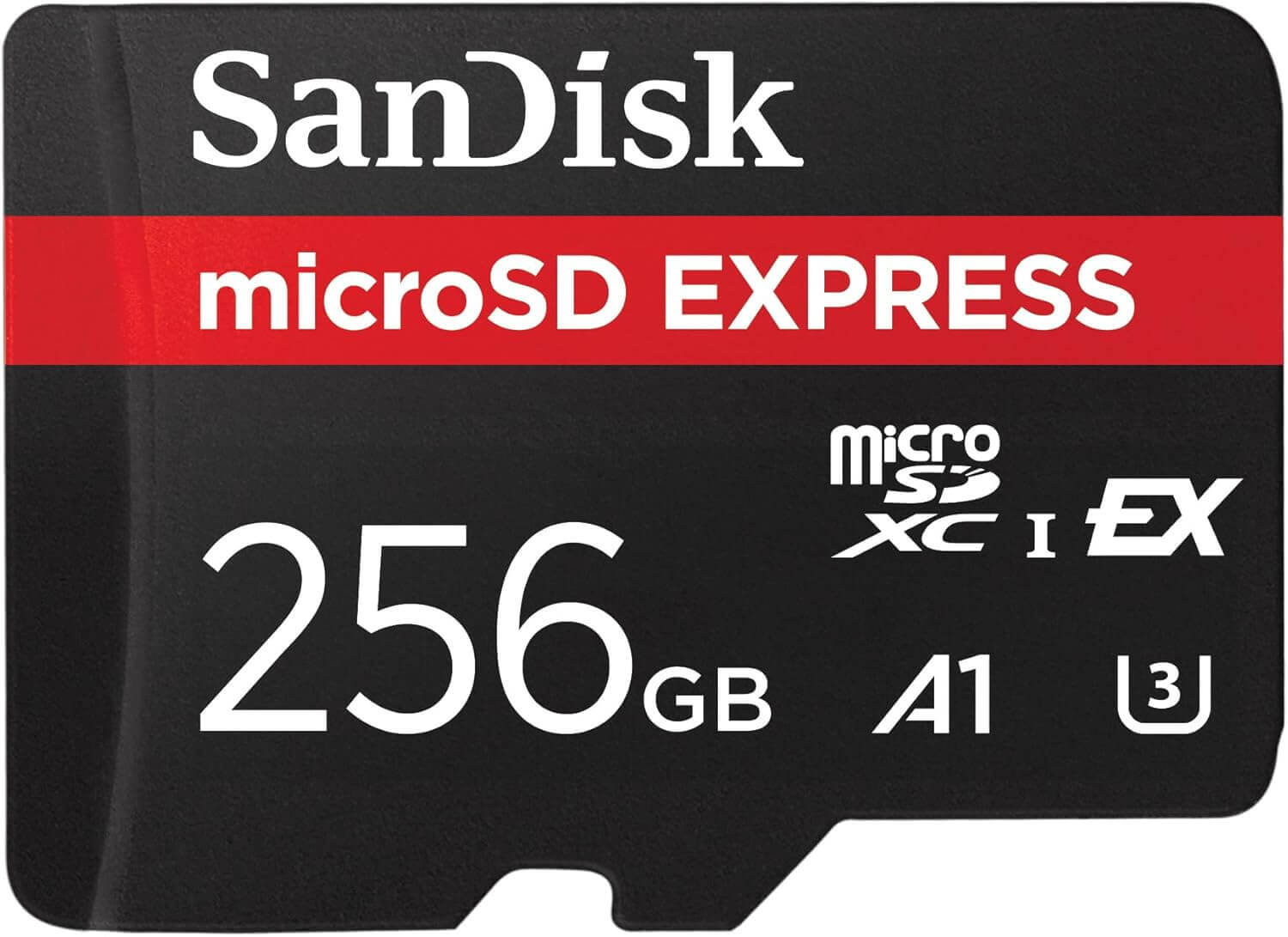
The SanDisk 256GB microSD Express is the memory card for Nintendo Switch 2 that brings next-gen sensibilities to a familiar form factor.
How to Install & Set Up Your SanDisk Card (Step-by-Step)
You’ll be up and running in minutes. Here’s a reliable process that keeps your saves and your sanity intact:
-
Power off your Switch 2 completely.
Don’t hot-swap—always power down first. -
Locate the microSD slot.
It’s typically behind a flap or near a stand—check your console’s guidance if unsure. -
Insert the SanDisk 256GB microSD Express card gently until it clicks.
Gold contacts face down toward the slot; don’t force it. -
Power on the console.
Your Switch 2 should detect the card automatically. -
Update system software (if prompted).
Keeping the OS current helps with compatibility and performance. -
Format if required.
If the console asks to format the card, accept—this ensures it’s set up the way your Switch 2 expects. -
Set default install location (optional).
In settings, choose to install future games directly to the card. -
Move existing software to the card.
Manage Data → Move Data—free up internal storage with a couple of taps.
Pro tip: If you already have screenshots and videos, move them first—big space savings, zero friction.
How Many Games Fit on 256GB?
It depends on your mix. Big AAA titles can be 20–40GB, while indies may be 500MB–5GB. For most players, 256GB comfortably holds a blend of favourites, new releases, DLC, and media:
-
Example mix
-
4–6 large titles
-
10–20 mid-size games
-
A healthy selection of indies and DLC
-
Your screenshots, clips, and saves
-
If you’re a physical-cartridge player who downloads DLC and a few digital exclusives, 256GB is goldilocks: not too small, not overkill. If you live 100% digital and binge every sale, consider a second card later—Memox can help you choose the right size when you’re ready.
The Gamer’s Quick-Start List: Best Practices for Your New Card
-
Buy genuine from a trusted UK retailer (like Memox) to avoid counterfeits.
-
Keep the console updated for the best compatibility.
-
Install big games to the card and keep the internal storage lean for system overheads.
-
Back up screenshots to a PC or cloud occasionally.
-
Don’t remove the card while the console is on.
-
Store the little plastic case your card came in—it’s ideal if you ever swap cards.
Troubleshooting: If Something Doesn’t Feel Right
Most setups are plug-and-play, but in case you hit a snag:
-
Card not detected?
Power down, reinsert the card, ensure it clicks in, then power up. -
Prompted to format?
That’s normal if the console wants its preferred layout. If you’ve used the card elsewhere, move any files to a PC first. -
Slow installs or odd behaviour?
Check for a system update; restart the console; try another USB power source for charging to rule out power issues. -
Still stuck?
Message Memox—we’ll help diagnose quickly and replace if needed according to your warranty and consumer rights.
Where to Buy in the UK (With Real Support)
You’re not just buying storage—you’re buying a smoother gaming life. Order the SanDisk 256GB microSD Express, Switch 2 Ready directly from Memox for:
-
Fast UK shipping
-
Genuine stock from trusted channels
-
Helpful support from real hardware people
-
Hassle-free returns
Grab it here: SanDisk 256GB microSD Express — Switch 2 Ready on Memox.co.uk
Who Is This Memory Card For?
-
New Switch 2 owners who want a “set-and-forget” storage solution from day one.
-
Digital-first gamers who buy online and hop between titles.
-
Parents who want room for children’s games, updates, and screenshots without deleting favourites.
-
Collectors who love indies and AA gems alongside the blockbusters.
If that sounds like you, the SanDisk 256GB microSD Express is the memory card for Nintendo Switch 2 that hits the right balance of capacity, speed, and reliability.
What Makes SanDisk Shine? (Beyond the Logo)
-
Quality control & endurance: SanDisk has decades in flash tech—it shows in consistency under heavy use.
-
Optimised for gaming: Designed to cope with big files, frequent reads/writes, and real-world portable life.
-
Future-friendly: You want storage that keeps up as games evolve; this card is built with that in mind.
How to Keep Your Library Organised (So You Always Know What’s Where)
-
Set your default install location to the microSD; internal storage stays uncluttered.
-
Create a monthly tidy routine: archive what you’re not playing; keep save data.
-
Back up clips if you shoot lots of video—those add up fast.
-
Name your media folders when moving to PC so you can find highlight reels later.
Tip: Think of your microSD as “active library” storage and your PC/cloud as your “vault.”
The “Why” in One Sentence
A SanDisk 256GB microSD Express is the memory card for Nintendo Switch 2 that removes storage stress, keeps your games ready, and lets you focus on what matters: playing.
Ready to Play More, Wait Less?
If you’re set to upgrade, order from Memox today and enjoy fast UK delivery, genuine stock, and friendly advice whenever you need it.
FAQs
More from MemoX
View all articles-
 3000VA UPS
VIDA Armour 3000VA UPS Review: Is It Worth It for Gaming PCs, NAS & Servers?
3rd Oct 2026 -
 Announcements
ASRock A520M-HVS: The Budget AM4 Motherboard Still Worth Buying for Ryzen Builds
1st Oct 2026 -
-
 Storage & Memory Guides
How to Check the SSD Health Before It’s Too Late (And Save Your Data)
1st Oct 2026 -
 Announcements
Why the WRX90 WS EVO Is Trending for AI + Multi-GPU Workstations (And What to Know Before You Buy)
1st Oct 2026 -
 Announcements
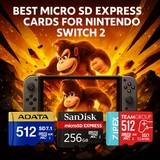
The Best Micro SD Express Cards for Nintendo Switch 2: Speed Now, Future-Proofed For Tomorrow
1st Oct 2026