
Never Lose a Frame: The 1TB Seagate SkyHawk Is the Unsung Hero of Reliable CCTV Storage
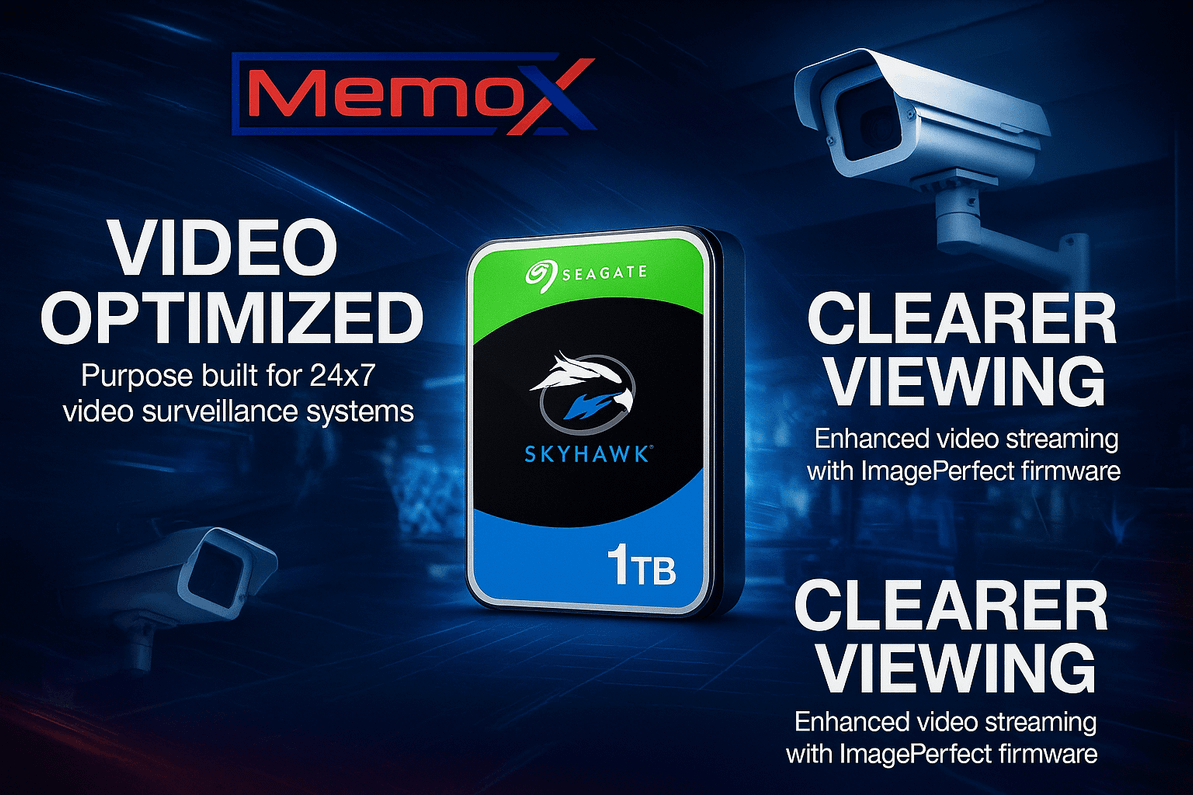
Table of Contents
- A 90-Second Story: The Café That Stopped Losing Footage
- What Exactly Is the 1TB Seagate SkyHawk?
- Why Surveillance Drives Beat Desktop Drives (Every Time)
- Where the 1TB SkyHawk Fits Best (Use-Case Quick Map)
- How to Install and Optimise for Zero-Drama Recording
- Performance & Retention: What to Expect from 1TB
- The ROI Case: Small Spend, Big Peace of Mind
- Quick Checklist: Is the 1TB Seagate SkyHawk Right for You?
- Mini Buyer’s Guide: When to Step Up Capacity
- The Bottom Line
- Talk to Memox (We’ll Help You Size It Right)
- FAQs
What if the one clip that proves what really happened… simply wasn’t there? Missed frames, stuttering footage, or a dead drive can turn a clear incident into a costly mystery. That’s why so many installers and small businesses trust the 1TB Seagate SkyHawk—a surveillance-grade hard drive that’s engineered to capture video 24/7, smooth and steady, without breaking a sweat.
In this guide, we’ll show you what the SkyHawk is, why it’s different from desktop drives, how to set it up for flawless CCTV recording, and where it shines in the real world. We’ll weave in a quick true-to-life story, answer key FAQs, and give you an easy call-to-action to get yours from Memox today.
A 90-Second Story: The Café That Stopped Losing Footage
Sonia runs a busy corner café. After a till discrepancy and a broken front window, she went to pull camera footage—only to discover that her old desktop HDD was dropping frames and randomly failing to record overnight.
Her installer swapped the old drive for a 1TB Seagate SkyHawk, tuned the NVR for continuous recording, and enabled smart motion detection on the front entrance. The next week, the café caught a clear plate number after closing time—job done. No frame drops, no “file corrupt” warnings, just usable evidence when it mattered.
The change? A surveillance-class hard drive built for constant writing, not occasional file storage.
What Exactly Is the 1TB Seagate SkyHawk?
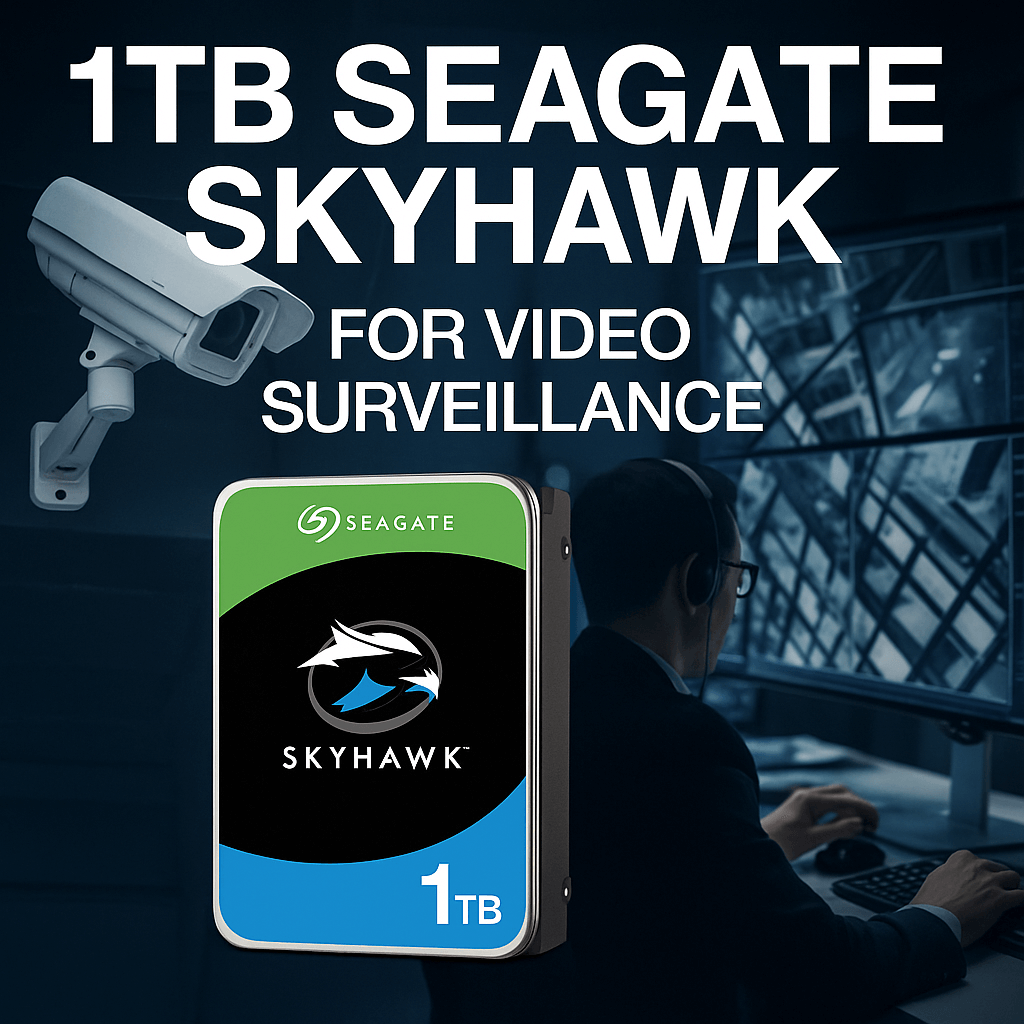
The 1TB Seagate SkyHawk is a 3.5" SATA 6Gb/s hard drive designed for CCTV/NVR/DVR environments. It’s tuned to record video 24/7, handle multiple camera streams at once, and deliver reliable, low-latency writes so you don’t miss critical moments.
Key highlights you’ll care about:
-
Surveillance-optimised firmware (SkyHawk/ImagePerfect class) for smooth, continuous recording
-
1TB capacity—ideal for small sites, single NVR bays, or retention-limited installs
-
CMR (Conventional Magnetic Recording) for consistent writes (preferred for CCTV vs SMR)
-
256MB cache to keep sustained video streams flowing
-
24/7 duty cycle reliability for always-on environments
-
Multi-bay support (up to 8-bay)—great for compact NVRs with room to grow
-
Designed for multiple HD streams—no “desktop drive” stalls or aggressive head parking
-
Low power draw and thermal behaviour tuned for NVR chassis
? Ready to deploy? Get it from Memox:
Why Surveillance Drives Beat Desktop Drives (Every Time)
A standard desktop HDD is built for bursty workloads—opening apps, saving files, idling for long stretches. CCTV is the opposite: constant sequential writes, often from multiple cameras, and round-the-clock operation inside a warm NVR chassis.
Here’s what makes 1TB Seagate SkyHawk the better choice for CCTV:
-
Write Priority: Firmware prioritises continuous sequential writes so footage isn’t dropped.
-
Consistency over Peaks: Steady performance for many hours of nonstop writing, not quick desktop bursts.
-
Thermal + Vibration Tuning: Optimised for multi-bay enclosures and sustained temps.
-
CMR Advantage: CMR keeps write performance predictable across the drive lifespan—ideal for surveillance.
-
Reliability Profile: Built for 24/7 availability and a CCTV workload pattern, not sleep-heavy office use.
Engagement question: What’s the one camera view on your site you’d hate to lose if something happened tonight?
Where the 1TB SkyHawk Fits Best (Use-Case Quick Map)
-
Home CCTV / Flats / Small Shops – Perfect if you run 4–8 cameras, record continuously, and want 7–14 days of retention at mainstream bitrates.
-
Kiosks & Pop-ups – Compact, reliable storage for a small NVR in tight spaces.
-
Side Entrances & Critical Lanes – Dedicate a drive for the most important streams to isolate risk.
-
Budget-First Upgrades – Start with 1TB; when you need longer retention, scale to a bigger SkyHawk and repurpose the 1TB for secondary angles.
Tip: If you’re planning longer retention (e.g., 30+ days) or many high-bitrate cameras, consider stepping up capacity (2TB–8TB). Otherwise, 1TB is a great, reliable baseline for smaller deployments.
How to Install and Optimise for Zero-Drama Recording
Tools you’ll need: screwdriver, anti-static wrist strap (recommended), your NVR/DVR manual.
-
Power down your NVR/DVR and unplug it.
-
Mount the drive: Open the chassis, slide the 1TB Seagate SkyHawk into a 3.5" bay, secure with screws.
-
Connect SATA data + power firmly. Avoid cable kinks or loose connectors.
-
Boot and format in your NVR/DVR menu (often Initialize / Format). Use the device’s native format process.
-
Set recording mode: Continuous for key cameras; motion-only for secondary ones to save space.
-
Dial in bitrates: H.264/H.265, resolution, FPS, and bitrate per camera to balance quality vs retention.
-
Check SMART/Health in the NVR interface and set disk health alerts.
-
Test playback: Scrub through footage from multiple cameras while recording to confirm smooth writes.
Pro setup note: If your NVR supports it, enable overwrite mode so the oldest footage is automatically recycled—no manual maintenance.
Performance & Retention: What to Expect from 1TB
Actual retention depends on codec (H.264 vs H.265), resolution, frame rate, bitrate, and how much motion your cameras see. As a rough guide:
-
4 × 1080p cameras, H.265, 15 FPS, ~2–3 Mbps each → around 7–12 days continuous recording on 1TB
-
8 × 1080p cameras, H.265, 12–15 FPS, ~1.5–2 Mbps each → 3–6 days continuous
-
Motion-only recording can extend retention significantly in low-activity areas.
If you need exact sizing, tell Memox your camera count, resolution, FPS, and desired retention—we’ll run the maths with you.
The ROI Case: Small Spend, Big Peace of Mind
A 1TB Seagate SkyHawk is a modest upgrade that prevents the expensive headaches caused by dropped frames, corrupted clips, or a failed desktop drive at the worst moment. You’re not buying capacity alone—you’re buying confidence that the footage will be there, clean and complete, when you need it.
Quick Checklist: Is the 1TB Seagate SkyHawk Right for You?
-
Running up to ~8 cameras at 1080p or lower?
-
Need reliable 24/7 recording with continuous overwrite?
-
Comfortable with ~1 week (give or take) of retention at mainstream settings?
-
Planning a compact NVR build or a single-bay DVR upgrade?
If you’re nodding along, 1TB is a smart, dependable pick.
Mini Buyer’s Guide: When to Step Up Capacity
-
Choose 1TB if you’re running ≤8 cams and want ~1 week retention at 1080p/H.265.
-
Choose 2TB–4TB if you’re adding cameras, raising bitrates, or aiming for 2–4+ weeks of storage.
-
Choose 6TB–8TB for higher camera counts, 4K streams, or 30+ days of footage.
When in doubt, start with 1TB for the essentials and add a higher-capacity SkyHawk later for extended retention.
The Bottom Line
If you want reliable, always-on footage without skipped frames or drive drama, the 1TB Seagate SkyHawk is the straight-shooting upgrade your CCTV deserves. It’s tuned for the job, fits most NVRs/DVRs, and just works—day after day, night after night.
? Ready to secure your footage the right way?
Get your 1TB Seagate SkyHawk from Memox today:
Buy Now at Memox.co.uk
Talk to Memox (We’ll Help You Size It Right)
Not sure if 1TB meets your retention target? Tell us your camera count, resolution, FPS, and desired days of storage. We’ll size the perfect SkyHawk configuration and share plug-and-play tips for your specific NVR/DVR.
Chat with us on memox.co.uk or drop us a message—we’re friendly, fast, and CCTV-savvy.
FAQs
More from MemoX
View all articles-
 3000VA UPS
VIDA Armour 3000VA UPS Review: Is It Worth It for Gaming PCs, NAS & Servers?
3rd Oct 2026 -
 Announcements
ASRock A520M-HVS: The Budget AM4 Motherboard Still Worth Buying for Ryzen Builds
1st Oct 2026 -

-
 Storage & Memory Guides
How to Check the SSD Health Before It’s Too Late (And Save Your Data)
1st Oct 2026 -
 Announcements
Why the WRX90 WS EVO Is Trending for AI + Multi-GPU Workstations (And What to Know Before You Buy)
1st Oct 2026 -
 Announcements
The Best Micro SD Express Cards for Nintendo Switch 2: Speed Now, Future-Proofed For Tomorrow
1st Oct 2026