
BTI
Dell Latitude 7310 / 7410 Battery 52Wh (4-Cell) – BTI Replacement for HRGYV, JHT2H, X825P
- SKU:
- JHT2H-BTI
- MPN:
- JHT2H-BTI

Description
Dell Latitude 7310 / 7410 Replacement Battery 52Wh (4-Cell) – BTI Compatible for HRGYV / JHT2H / X825P
Restore reliable runtime to your business laptop with this BTI replacement battery for the Dell Latitude 7310 and Dell Latitude 7410. Designed as a high-quality compatible (non-OEM) Li-ion battery, it matches the key electrical specs of the original pack (7.6V, 52Wh, 4-cell) and is built for day-to-day mobile use—perfect for professionals, students, and remote workers who need dependable power away from the charger.
Summary
This BTI 52Wh 4-cell lithium-ion notebook battery is compatible with Dell Latitude 7310 and Latitude 7410, and replaces common Dell battery part numbers HRGYV, JHT2H, X825P (also listed as 451-BCPW on some supplier references). Typical specifications listed for this model include 7.6V output and around 52Wh energy capacity, providing a direct replacement fit for supported Latitude systems.
Key Features & Benefits
- Compatible replacement for Dell Latitude 7310 / 7410 – designed to match the original battery form and electrical specs
- 52Wh capacity (4-cell) – solid everyday runtime for office and travel use
- Stable power delivery – 7.6V lithium-ion design for consistent performance
- Ideal for refresh/repair – extend the life of your laptop instead of replacing the device
- Business-laptop friendly – great for fleets, IT repairs, and home office upgrades
Compatibility
Fits Laptop Models
- Dell Latitude 7310
- Dell Latitude 7410
Replaces Part Numbers
- HRGYV
- JHT2H
- X825P
- 451-BCPW (commonly cross-referenced)
Specifications at a Glance
- Battery type: Rechargeable Lithium-Ion (Li-ion)
- Energy: 52Wh
- Cells: 4-cell
- Voltage: 7.6V
- Capacity (often listed): around 6,500–6,840mAh (varies by listing)
Installation Tips
- Match the part number: check your original battery label for HRGYV / JHT2H / X825P before ordering.
- Model variants: Latitude 7310/7410 have different configurations—confirm your existing battery shape/connector matches.
- First use: charge to 100% and run a normal cycle to help your laptop calibrate the new battery reading.
Why Buy from Memox
We ship fast from the UK and provide clear compatibility info to help you choose the correct replacement battery first time. If you’re unsure, message us with your laptop model and the part number printed on your current battery and we’ll help you confirm fitment.
Specification
Return
FAQ: Frequently Asked Questions
Dell Latitude 7310 / 7410 Battery (52Wh, 4-Cell) — FAQ
What is this battery and what does it fit?
What are the main specifications (Wh / V / cells / type)?
- Capacity: 52Wh
- Voltage: 7.6V
- Cells: 4-cell
- Battery type: Lithium-Ion (Li-Ion)
- Typical rated capacity: ~6500mAh (spec sheet dependent)
How do I check if this is the correct battery for my Dell?
- Check the part number printed on your existing battery label (e.g., HRGYV / JHT2H / X825P).
- Confirm your laptop model is Latitude 7310 or 7410.
Will this work with Latitude 7310 2-in-1 and clamshell versions?
Is this an original Dell battery or a third-party replacement?
Do I need any special tools to install it?
How do I replace the battery safely?
- Power off, unplug the charger, and disconnect peripherals.
- Remove the base cover, then disconnect the battery cable from the system board.
- Remove screws/fasteners and lift out the battery.
- Install the new battery, reconnect the cable, reassemble.
My laptop shows “plugged in, not charging” — will a new battery fix it?
How long will a 52Wh battery last?
Should I calibrate the battery after installation?
How do I store a spare battery if I’m not using it right away?
Troubleshooting: the battery isn’t detected after install
- Open the laptop again and ensure the battery cable is firmly seated.
- Update BIOS if you’re far behind.
- Run Dell diagnostics / battery health checks.
- Power reset: unplug, hold power button ~15 seconds, then boot.
Related Products
Related Products
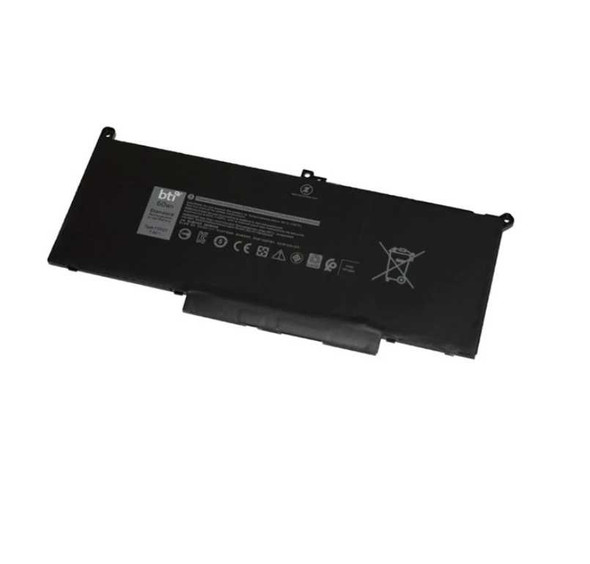
0F3YGT compatible 60Wh 4-cell battery for Dell Latitude 7280 7480
BTI

BTI 4-cell 57Wh 5K9CP compatible laptop battery for Dell XPS 13 9350
BTI

469-1496 compatible 84Wh 9-cell battery for DELL Latitude E5420 E6420 5430 6420 ATG

00UR891 compatible 32Wh 4-cell battery for THINKPAD T570
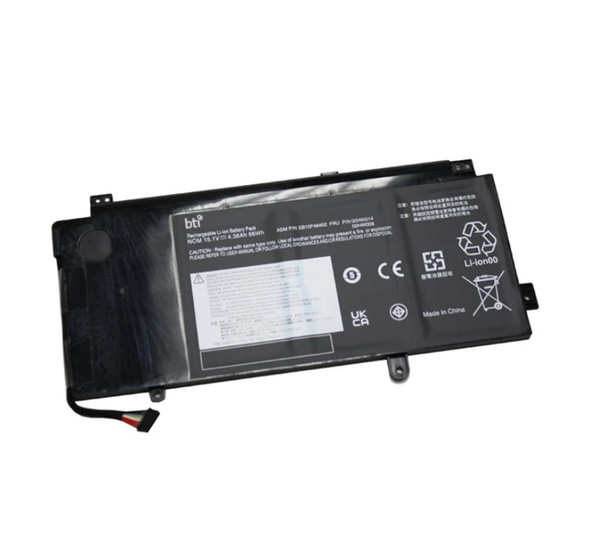
00HW014 compatible 67Wh 4-cell battery for LENOVO YOGA 15
BTI