
ASROCK
Asrock M.2 WiFi Kit for the DeskMini Mini-STX Chassis, 2 x Antennas
- SKU:
- 5RB000010010
- UPC:
- 4717677331776
- MPN:
- 5RB000010010

Description
ASRock M.2 Wi-Fi Kit for DeskMini Mini-STX – Intel AC-3168 + Dual Antennas (802.11ac + Bluetooth)
Add built-in wireless connectivity to your ASRock DeskMini build with the ASRock M.2 Wi-Fi Kit. This official kit is designed for DeskMini Mini-STX systems that include an M.2 Key-E 2230 slot for a Wi-Fi + Bluetooth module, giving you clean, reliable wireless networking without a USB dongle.
At a glance: Includes an Intel® Dual Band Wireless-AC 3168 M.2 2230 Wi-Fi module and two external antennas to upgrade compatible DeskMini barebones/boards for dual-band Wi-Fi and Bluetooth.
Why this kit is a smart DeskMini upgrade
- Dual-band Wi-Fi 5 (802.11ac) on 2.4GHz + 5GHz with up to 433 Mbps (1×1) for smoother streaming, browsing and downloads.
- Bluetooth 4.2 for wireless peripherals such as keyboards, mice, headsets and controllers.
- Designed for DeskMini – uses the dedicated M.2 Key-E 2230 Wi-Fi/BT slot found on supported DeskMini Mini-STX platforms.
- Neat external antennas improve reception versus internal-only solutions.
Compatibility
Works with ASRock DeskMini systems (and other devices) that have an M.2 2230 Key-E slot for Wi-Fi/BT modules. Commonly listed for DeskMini models such as DeskMini 110, A300 and 310, and other DeskMini variants that include the Key-E slot. Always confirm your DeskMini/board has the Wi-Fi M.2 Key-E connector and antenna mounting points before ordering.
What’s included
- Intel® Dual Band Wireless-AC 3168 M.2 2230 module
- 2× external antennas (DeskMini Wi-Fi kit)
- Note: some retail bundles also include the internal antenna leads/pigtails; contents can vary by batch—check your packaging if you need the leads.
Product identifiers
- MPN: 5RB000010010
- UPC: 4717677331776
Specification
Return
FAQ: Frequently Asked Questions
ASRock M.2 Wi-Fi Kit for DeskMini — FAQ
What’s included?
Which DeskMini models does it fit?
What Wi-Fi and Bluetooth versions does the included card support?
Does it block an SSD slot?
Can I get Wi-Fi 6/6E instead?
Is it plug-and-play on Windows?
What’s involved in the installation?
Part numbers / identifiers I might see
Related Products
Related Products

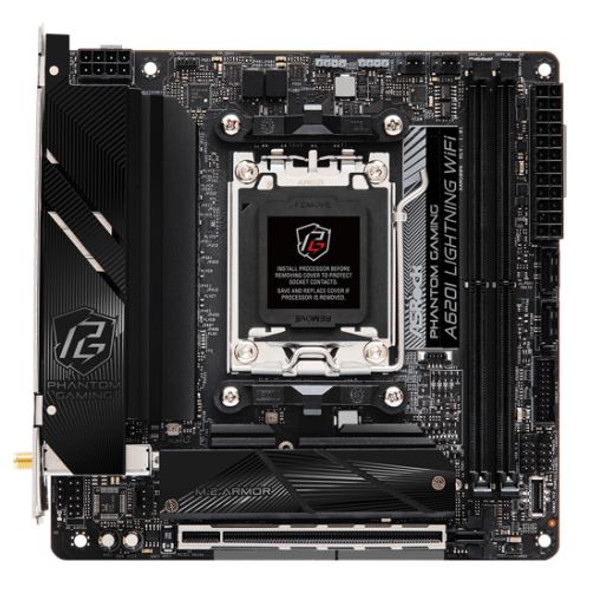
Asrock A620I LIGHTNING WIFI, AMD A620, AM5, Mini ITX, 2 DDR5, HDMI, Wi-Fi 6E, 2.5G LAN, 2x M.2
ASROCK
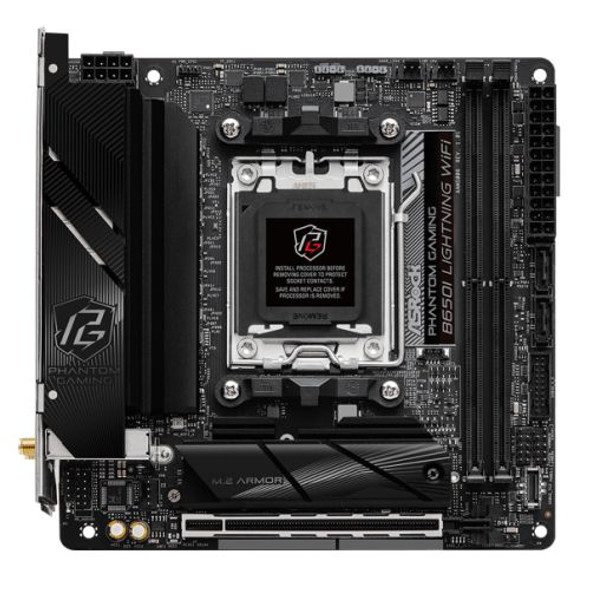
Asrock B650I LIGHTNING WIFI, AMD B650, AM5, Mini ITX, 2 DDR5, HDMI, Wi-Fi 6E, 2.5G LAN, 2x M.2
ASROCK

Asrock B650E PG-ITX WIFI, AMD B650, AM5, Mini ITX, 2 DDR5, HDMI, eDP, Wi-Fi 6E, 2.5G LAN, PCIe5, 2x M.2
ASROCK


Asrock DeskMini X300 SFF Barebone PC, AM4 (X300), 2x DDR4 SO-DIMM, 2x SATA, 2x M.2, VGA, HDMI, DP, USB-C - No CPU, RAM, HDD or O/S
ASROCK